
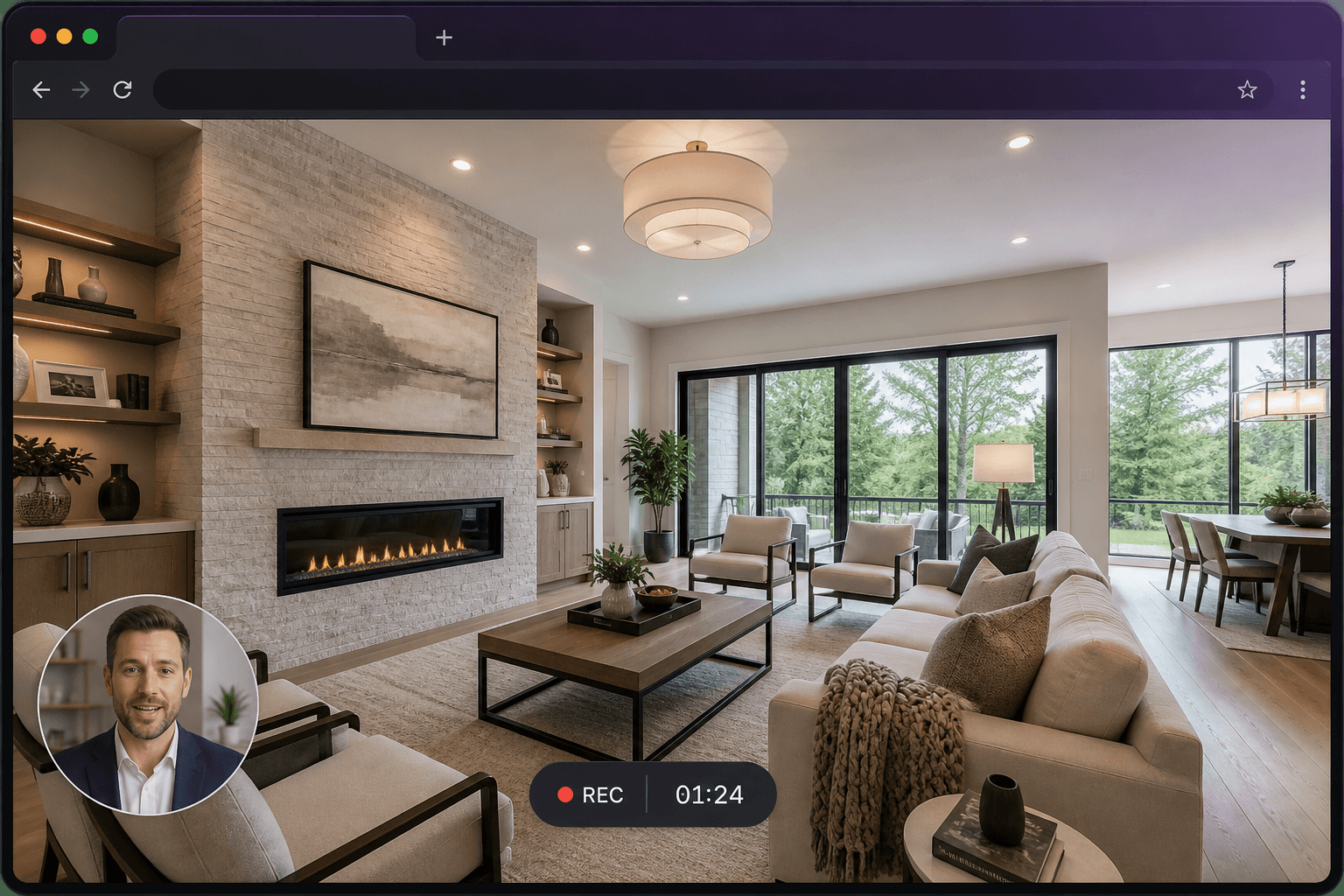
Who this is for: Agents, developers, photographers and anyone publishing 360° tours.
Why record a tour you can already share
Many people will not click through every hotspot. A three-minute commentary tells them what to notice. It also works in inboxes and CRMs that already expect a video link.
A route that watches well
Start at the arrival view. Move at a walking pace. Name each room. Pause on the one feature that would be missed in a still gallery. Keep the whole clip under five minutes if you can — it stays free and it gets watched.
Works with tours already in the browser
You do not need a plugin for a particular tour platform. If it plays in a tab, you can record that tab. Pair the video with the live tour link when you want both guided and free navigation.
Questions
Can the viewer still look around the 360° tour?
Not inside the video. Send the interactive tour URL alongside the recording if they should explore afterwards.
Will tour audio be included?
If you record the tab in Chrome and enable audio sharing, sound from the tour page can be included. Always test a short take.