
Real estate
How to Record a 360° Virtual Tour
By The Screen Record team · Published · Updated
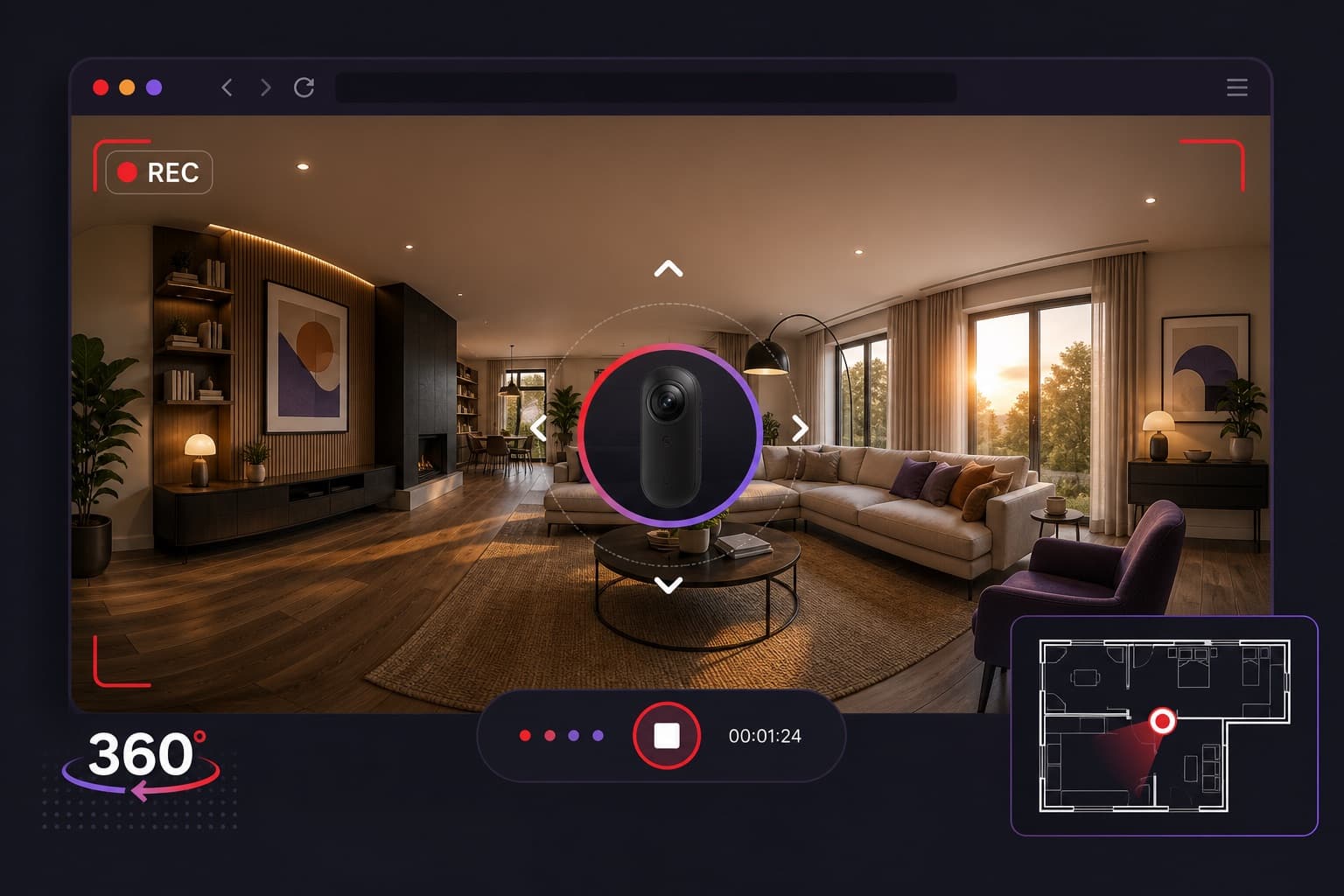
A 360° tour lets someone look around a property. A walkthrough video tells them where to look. Recording the tour in a browser, with your voice, produces a clip you can send to buyers, vendors or colleagues who will not join a live session.
What you are actually recording
You are not exporting the tour file. You are recording the tour as it appears on screen, plus your narration. The viewer of the video cannot spin the panorama themselves — they follow your path. That is the point: you choose the route, the pauses and the selling points.
Prepare the tour tab
Open the tour in Chrome or Edge. Close other tabs you do not need. Enter fullscreen or a large window so rooms are readable. Decide the route: front door, reception rooms, kitchen, bedrooms, garden, then any CGI or floor-plan views.
Write a few prompts, not a script. Names of rooms, one fact per space, and the thing you do not want to forget (ceiling height, aspect, parking) are enough.
Record the tab with commentary
In Screen Record, choose Tab and share tab audio if the tour has its own sound. Turn your microphone on. Start at the arrival view, move at a walking pace, and say what you would say on a physical viewing. Pause the recording if you need to jump to a floor plan, then resume.
Keep it short enough to watch
Most walkthroughs are clearer under five minutes, which also keeps the recording free. If a large house needs longer, trim dead time rather than speeding through rooms. A seven-minute edited video is easier than a fifteen-minute unedited one.
Questions
Can viewers still use the interactive tour?
The video is a guided recording. Send the live tour link as well if you want people to look around themselves after watching.
Do I need special virtual-tour software?
No. If the tour plays in a browser, you can record the tab. Screen Record does not need a plugin for a particular tour platform.
Is this only for estate agents?
No. Photographers, developers, interior designers and vendors use the same walkthrough format. Estate agency is a common, not exclusive, use.