
Real estate
Screen Recording for Estate Agents
By The Screen Record team · Published · Updated
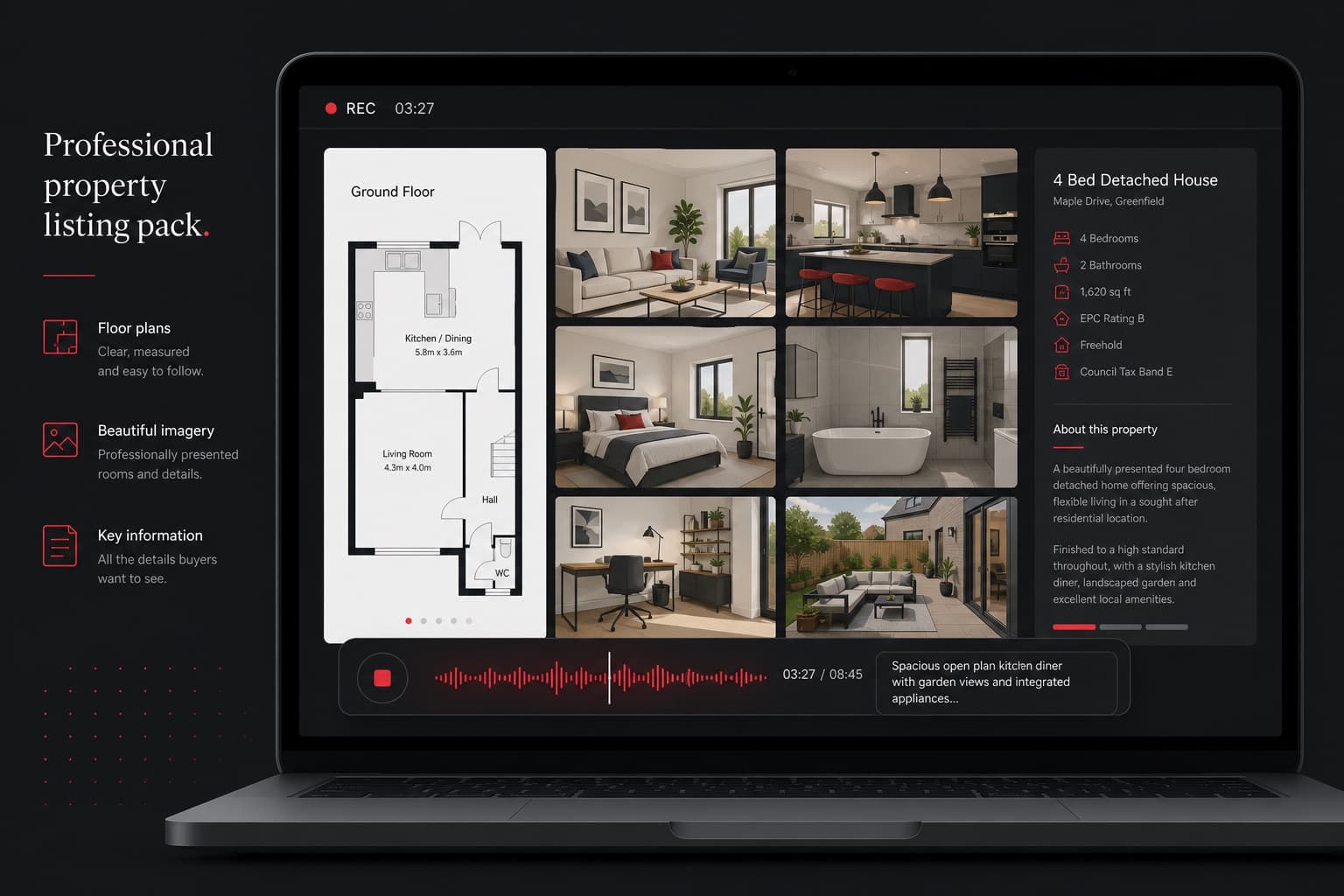
Estate agents already send floor plans, galleries and tour links. A screen recording sits on top of that pack: it is you, talking through the material, on a timeline the recipient can watch after work. It does not replace a viewing. It makes the first pass clearer.
Guided tour walkthroughs
Open the 360° tour, record the tab, and talk as you would on the stairs. Highlight the rooms that win the instruction and the details a still gallery buries. Share the video with applicants who asked for a sense of flow before they book.
Present a property remotely
For overseas buyers or a vendor who cannot attend, a recording of the brochure, floor plan and tour is a presentation that does not depend on diaries. Add the camera bubble if a face-to-face tone matters; leave it off if the property should fill the frame.
Feedback on photography and floor plans
When a shot is cropped too tight or a plan label is wrong, a 40-second recording is kinder and faster than a marked-up PDF in an email chain. Show the file, say what to change, and send the link to the photographer or planner.
Instructions for vendors, buyers and tenants
How to access the portal, where to upload compliance documents, what “vacant possession” looks like on a checklist — these are repeated conversations. Record them once. Reuse them.
New homes and CGI
Developments often exist as fly-throughs and still CGI before a show home opens. Recording those presentations with a sales commentary gives plot-specific context that a silent render does not.
Questions
Do I need a film crew?
No. This is commentary over material you already have in the browser. Keep the take short and the language plain.
Can I password-protect a walkthrough?
Yes. Screen Record can protect a share page with a password, which is useful before a listing goes live.
How long should a property walkthrough be?
Aim for under five minutes where you can. That length is easier to watch and stays within the free recording allowance.