What this screen recorder is for
Use it when talking through something on a screen is clearer than writing it down: a product demo, a support fix, a training clip, a design review, or a guided walkthrough of a property tour.
It is a general-purpose recording tool. Property professionals are a well-supported audience, not the only one.
What you can capture
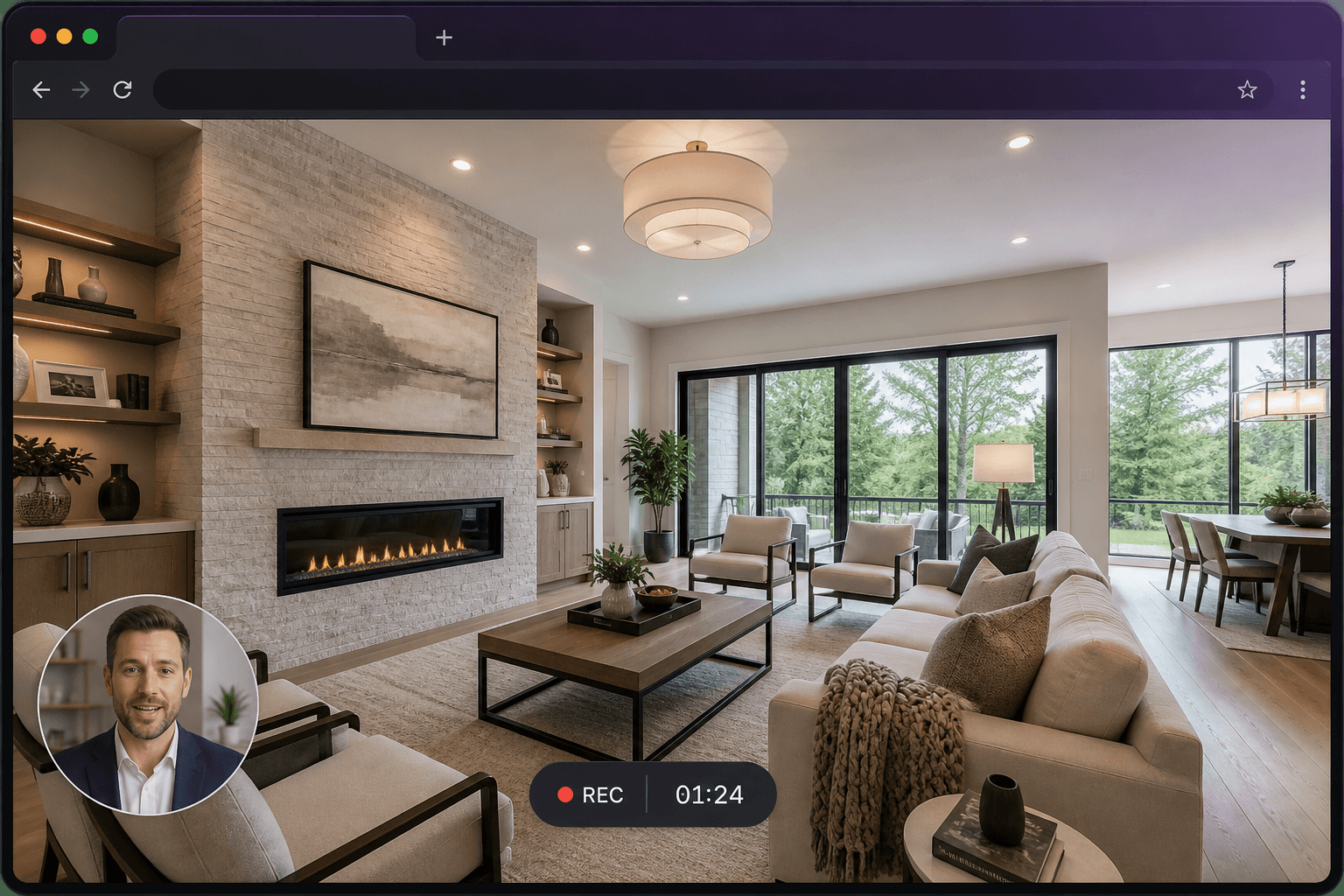
Choose a browser tab, an application window or the whole screen. Add microphone narration. Add a camera bubble if viewers should see you. Include tab audio in Chrome when you enable it in the share dialog.
- Desktop Chrome and Edge recommended
- Pause, resume and a short countdown
- Preview before you save
- Share link, password or MP4 download
How long you can record
The recorder itself does not stop you at five minutes. The first five minutes of the finished, trimmed video are free. Longer recordings use one credit per extra five-minute block, only when you save, download or share. You can trim back to five minutes to keep a take free. The technical cap is two hours.
After you stop
You land on a save screen with duration and cost. Transcript and captions are included once a recording is saved. Optional translation into other languages is a separate, confirmed credit charge.
Questions
Is Screen Record a free screen recorder?
Recordings up to five minutes are free, with no credit card required. Longer videos use credits only when saved, downloaded or shared.
Does it work without installing software?
Yes. It runs in a desktop browser. Chrome or Edge is recommended.