Browser-based screen recording
Record a Chrome tab, an application window or your whole desktop from the browser. Desktop Chrome and Edge give the most reliable capture.
Record up to 5 minutes free — no complicated software requiredSee pricingStart recording free
Features
Screen Record is a browser-based screen recorder with microphone, optional camera, preview, sharing and downloads. This page matches the live application — not a future roadmap.
You can record a tab, window or screen from desktop Chrome or Edge, add a microphone and an optional camera bubble, then preview the take. Save, share a link or download a video. The first five minutes are free. Credits apply only when a longer recording is saved, downloaded or shared.
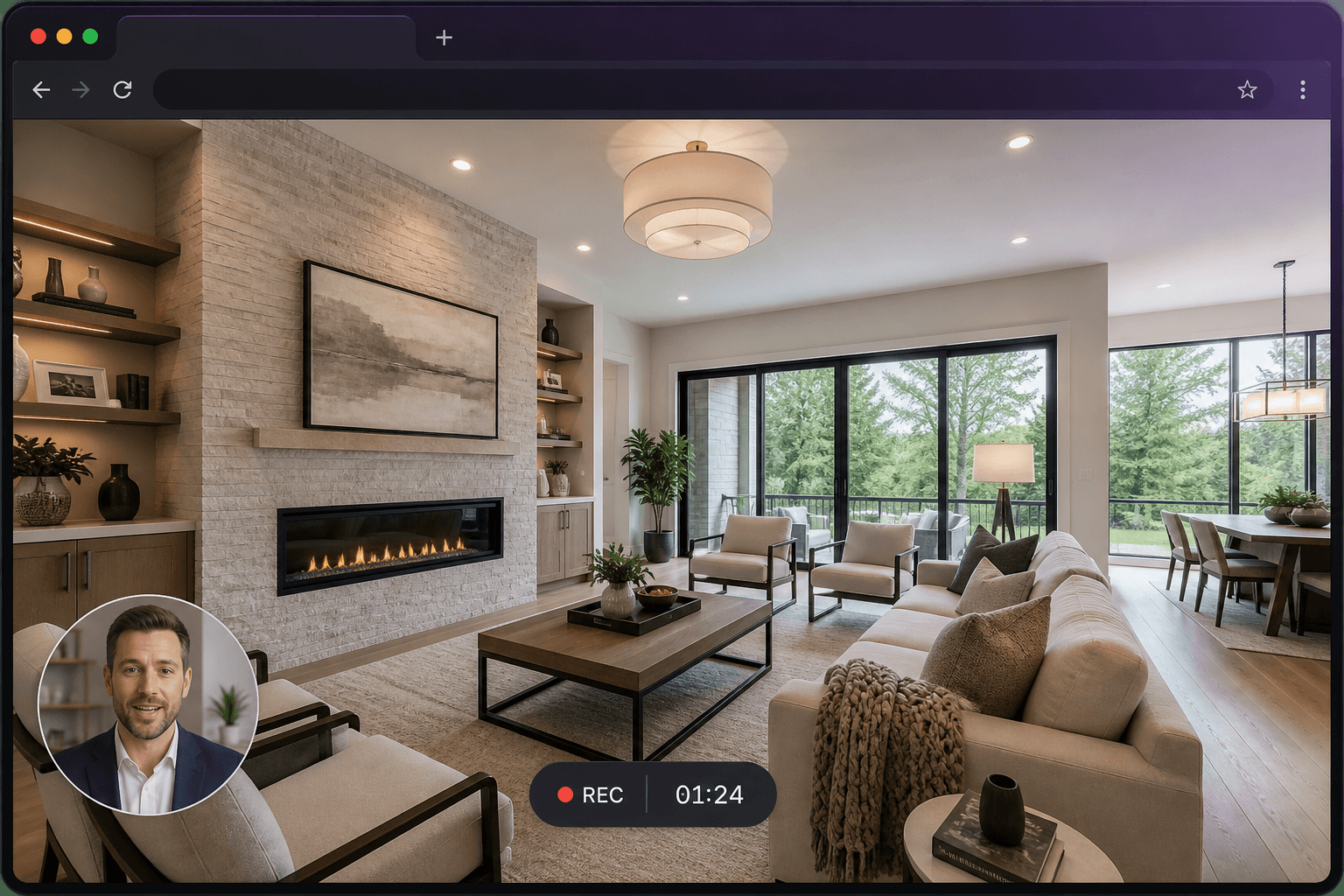
Record a Chrome tab, an application window or your whole desktop from the browser. Desktop Chrome and Edge give the most reliable capture.
Talk over what you are showing with your microphone. Include tab audio where the browser allows it — the most widely supported option. Full system audio depends on your operating system.
Add a camera bubble so viewers can see you as well as the screen. Choose the size and which corner it sits in before you start.
When you stop, you go to a save screen with the duration, a live trim-aware cost and a preview path. Nothing is charged just for pressing record.
Every saved recording gets a URL you can send. Keep it unlisted, make it public, add a password, or embed it with an iframe.
Download a processed MP4 once the recording is saved. You can also take the raw capture from the save screen if you would rather not process it.
A short countdown, pause and resume, mute, and a floating control bar. Stopping from the browser’s “Stop sharing” bar also ends the recording safely.
Recordings live in a private store. You control visibility, can password-protect a share page, and can delete a recording when you are finished with it.
Pick Screen, Window or Tab before you start. The browser confirms the exact source. A three-second countdown runs, then recording begins. Pause and resume keep a single timeline. Stopping from the floating control or from the browser’s “Stop sharing” bar both end the take safely. Chunks are buffered locally so an interruption is less likely to lose the recording.
Microphone input includes a live level meter and mute. Tab audio is the reliable way to capture sound from a web page in Chrome. Full system audio depends on the operating system — macOS full-screen capture typically does not include it. The camera bubble can sit in any corner at small, medium or large size.
After you stop, a save screen shows duration and a trim-aware credit cost. You can save, trim to the free five minutes, download the raw capture or delete the draft. Unconfirmed drafts are removed after 24 hours. Saved recordings get a share URL, optional password, embed code and a processed MP4 download.
Once a recording is saved, a transcript with captions is included — it is not an extra credit charge. Optional translation of subtitles or spoken narration into other languages is a separate confirmed action (1 credit per started minute per language for subtitles, 2 for narration).
Files sit in a private store. Playback uses short-lived signed links. Visibility is yours: unlisted, public or password-protected. You can delete a recording. View counts use an anonymous session hash, not IP addresses.
Related: how it works, pricing, recording with audio and screen and webcam.
Create your first screen recording in just a few clicks.