
How it works
From a blank tab to a video someone can watch
Screen Record is a short loop: choose a source, talk, stop, then share or download. You do not install a desktop application.
Open the app in Chrome or Edge, pick a tab, window or screen, add a microphone or camera if you want them, record, then preview. The first five minutes are free. Credits are used only if a longer video is saved, downloaded or shared.
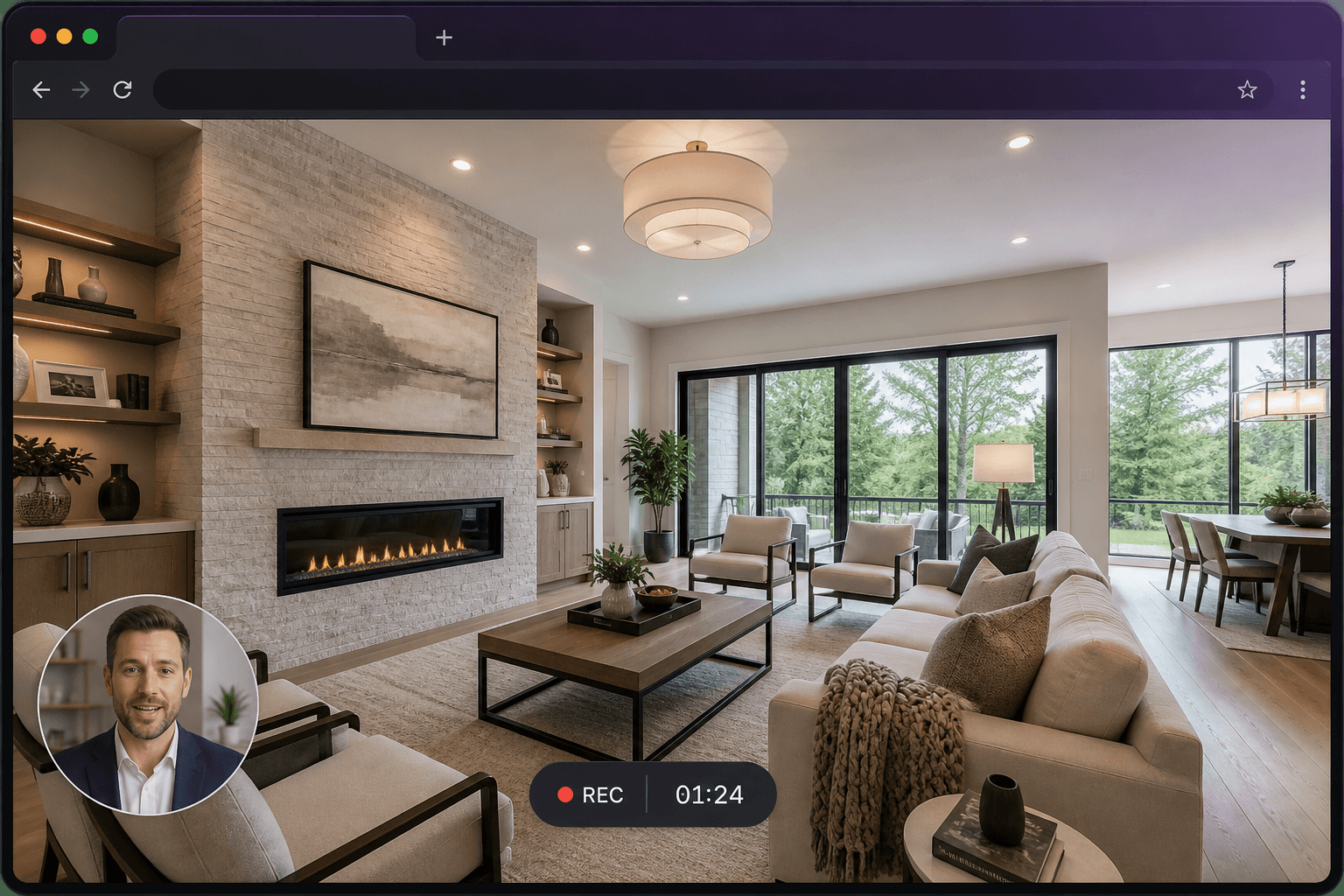
Step 1
Sign in and start a new recording
Open the Screen Record app in desktop Chrome or Edge. Sign in with email or Google. New accounts receive 10 credits. Go to a new recording.
Step 2
Choose a tab, window or screen
Select the capture source. Confirm it in the browser dialog. Enable “Share audio” if you want sound from a tab.
Step 3
Turn on microphone and camera if you need them
Check the microphone meter. Optionally enable the camera bubble and pick a corner and size.
Step 4
Record, pause and stop
Wait for the countdown. Pause if you need a moment. Stop from the recorder or from the browser’s stop-sharing bar.
Step 5
Preview and decide how to keep it
Review the duration. Trim if needed. Save for free if the finished video is five minutes or under. Use credits only if it is longer and you choose to save, download or share.
Step 6
Share a link or download the video
Copy the share URL, add a password, embed the player, or download the processed MP4 once processing finishes.
The three-step version
- Choose what to record. Select a browser tab, application window or your entire screen. Your browser confirms the exact source before capture starts.
- Add your voice or camera. Explain what viewers are seeing with microphone audio and an optional camera overlay. Pause and resume if you need a moment.
- Share or download. Preview your recording, trim if needed, then send a link or download the finished video. Credits are only used if the saved video is longer than five minutes.
What happens to longer recordings
Recording never charges on its own. If you pass five minutes, you will see a note that you can trim or use credits after you finish. Cost is based on the trimmed length: one credit per extra five-minute block. See pricing for worked examples.
Want the same steps with more commentary? Read how to record your screen online.
Show it instead of explaining it
Create your first screen recording in just a few clicks.