Tab, window or entire screen
A tab is best for websites, web apps and virtual tours. A window is best for a single desktop application. The entire screen is best when you must move between several apps — and it is the mode most likely to include notifications you did not plan to share.
Which browsers to use
Chrome and Edge on a desktop are the supported, recommended pair. They implement the screen-capture APIs Screen Record relies on, including the option to share tab audio. Safari and Firefox are not the first choice; the app will warn you if capture APIs are missing.
Recording a website
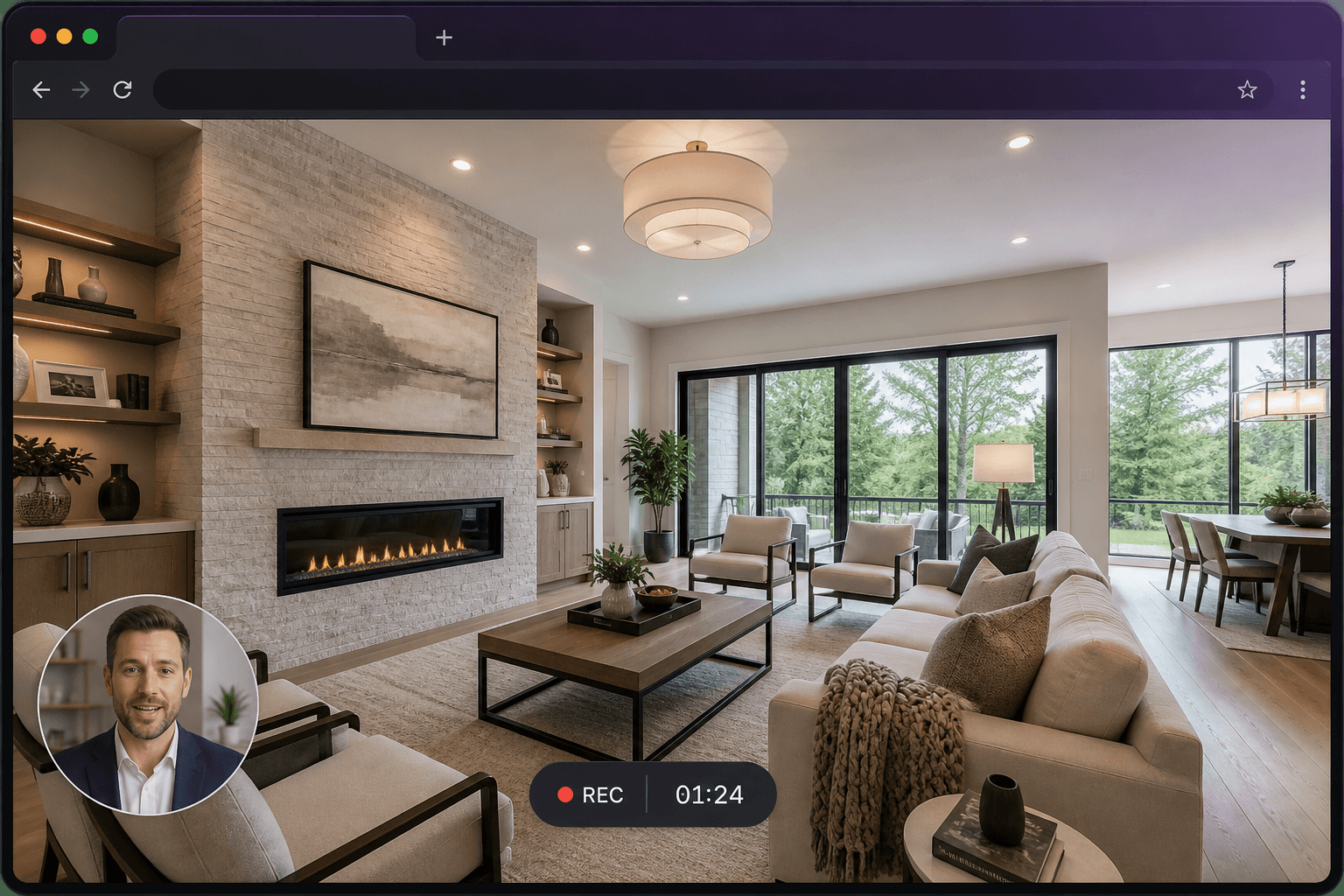
Open the site in its own tab, start Screen Record, choose Tab, and enable audio sharing if the page plays sound. This is the usual method for a 360° tour walkthrough or a product hosted on the web.
Limits worth knowing
This is a desktop-first tool. Phone browsers generally cannot capture the screen in the same way. Full system audio is not guaranteed, especially on macOS full-screen capture. Test a short take if audio from the computer matters.
Questions
Can I record a browser tab only?
Yes. Choose Tab, then pick the exact tab in the browser dialog.
Does it work in Safari?
Safari may not support everything Screen Record needs. Use desktop Chrome or Edge for a reliable recording.