
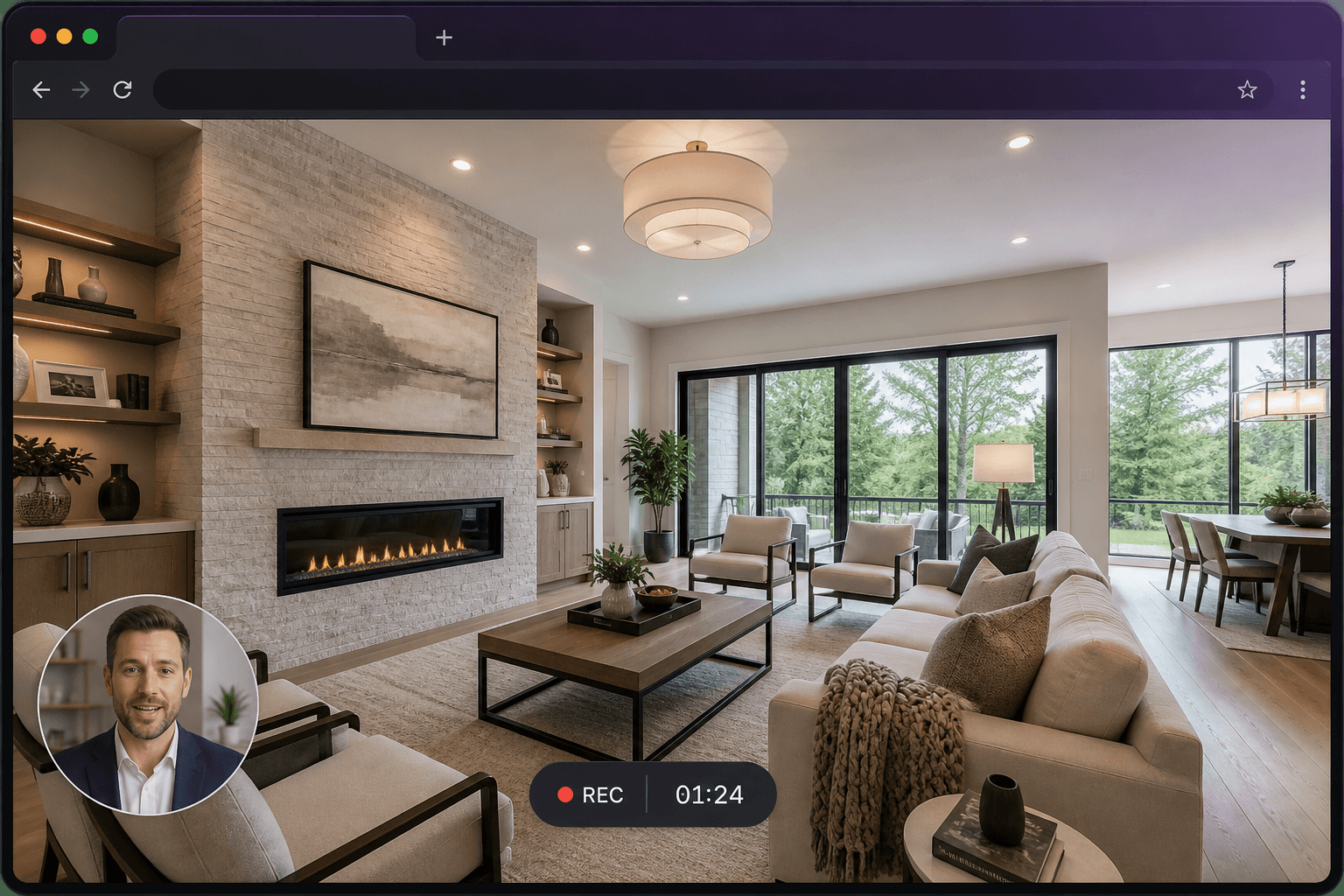
Why record online
Installing a recorder makes sense for specialists who capture all day. For everyone else, the delay is the install, the account, and the export settings. An online recorder removes that delay so you can explain something while it is still in your head.
What “online” does and does not mean
You still need a desktop browser with screen-capture support. You still grant permission locally. The recording is produced on your machine and uploaded when you choose to save it. “Online” means you start from a URL, not that the site silently records you.
A typical five-minute take
Open the page you want to show. Start Screen Record. Choose that tab. Talk. Stop. If the trimmed length is under five minutes, saving is free. Share the link instead of attaching a file.
When a desktop app is still the better fit
If you need full-computer audio on macOS, specialised codecs, or hours of timeline editing, a dedicated desktop suite may suit you better. Screen Record is for clear explanations, not for replacing a colour-grading workstation.
Questions
Is an online screen recorder safe?
You choose the tab or screen in the browser permission dialog. Screen Record stores saved videos privately and lets you password-protect a share page. Use a password for confidential material.
Do I need an account?
Yes, so recordings can be saved to your library and credits can be applied if a video is longer than five minutes. Sign-in is email or Google. No credit card is required to start.