Who this is for: Product, engineering, design, QA and customer success.
Product demonstrations
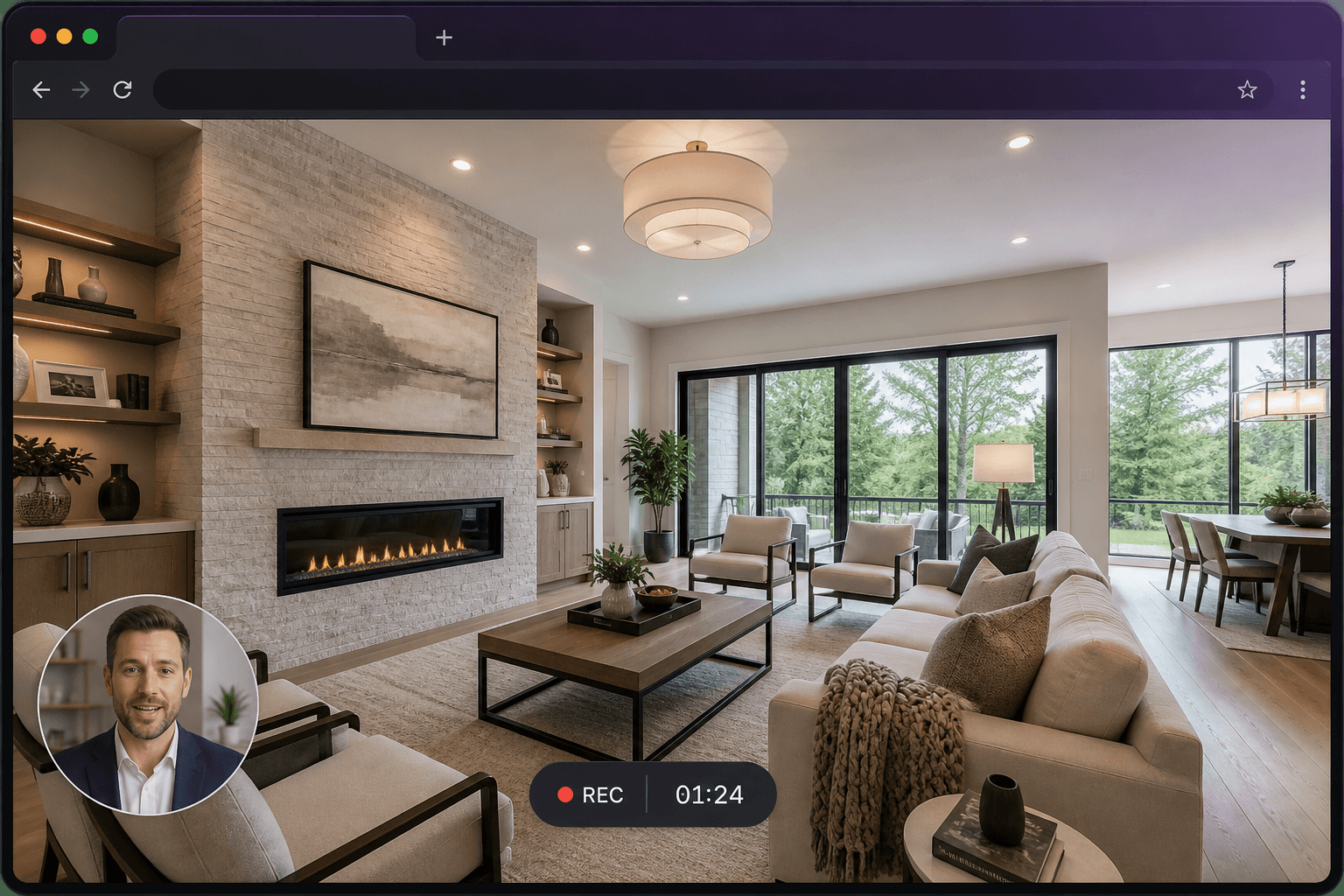
Record the real UI in a clean demo account. Keep each video to one outcome. Reuse it in sales follow-ups and onboarding.
Bugs and reproduction steps
A silent screenshot of an error state is incomplete. A 30-second recording with the console open, or the network panel, is a ticket the engineer can trust.
Async stand-ups and reviews
Talk through a branch, a Figma file or a dashboard without lining up calendars. People watch at 1.5×. You record once.
Questions
Can I record a desktop IDE?
Yes, choose Window or Screen. Tab audio will not apply; use your microphone for commentary.
Is this a replacement for Loom-style team tools?
It covers the same job — record, explain, share a link — in the Rehub Studio account you may already use for other media tools.