
How to
How to Give Clear Client Feedback Using Video
By The Screen Record team · Published · Updated
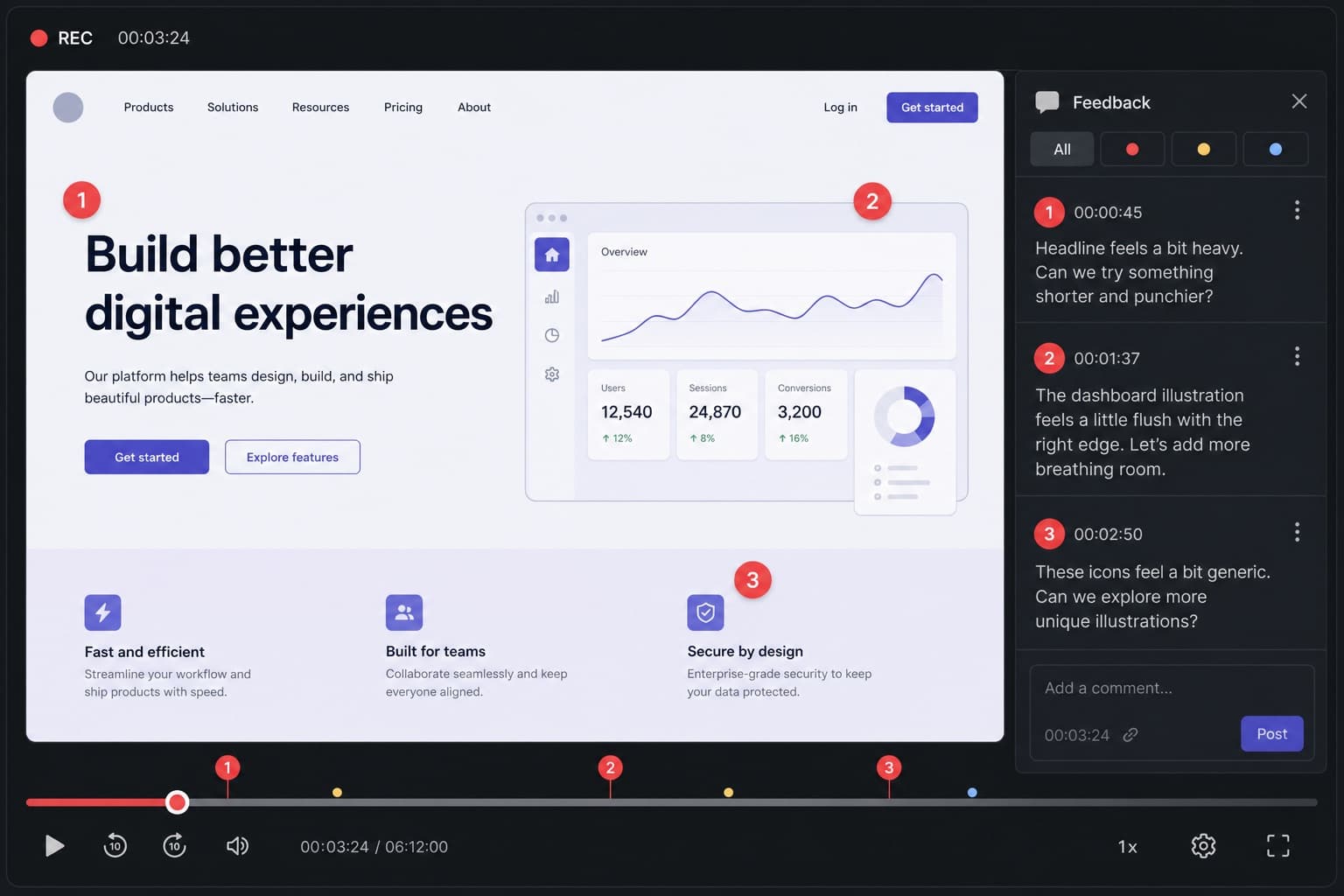
Written feedback is easy to send and easy to misunderstand. Tone disappears. Sequence disappears. A short recording of the work, with you talking, keeps both. Clients can rewind the sentence they missed instead of asking you to type it again.
Open the actual work
Record the website, the Figma file, the listing gallery, the floor plan or the cut of the film — not a slide that describes it. The client should see the same pixels they already have opinions about.
One pass, numbered changes
Work top to bottom. “Change one: the headline. Change two: this image crop.” Numbering survives into their reply and into the next version. Keep praise brief and specific so the recording does not sound like a complaint reel.
Keep the recording shorter than the meeting would have been
If feedback needs a debate, book a call. If it needs direction, record it. Most review notes fit in a few minutes. Trim the ums at the start. Stay inside five minutes when you can.
Send a link, not an attachment
A share URL is easier on email systems than a large MP4. Add a password if the work is confidential. Mention the two or three decisions you still need from them so the video has a job besides “please watch”.
Questions
Will clients actually watch it?
They watch more often when the video is short and the email states the length and the decision you need. A 90-second clip outperforms a 12-minute tour of every pixel.
Should I still send written notes?
A short summary in the email plus the recording is a good pair. The video carries nuance; the text carries the checklist.