
Guides
Best Ways to Share a Screen Recording
By The Screen Record team · Published · Updated
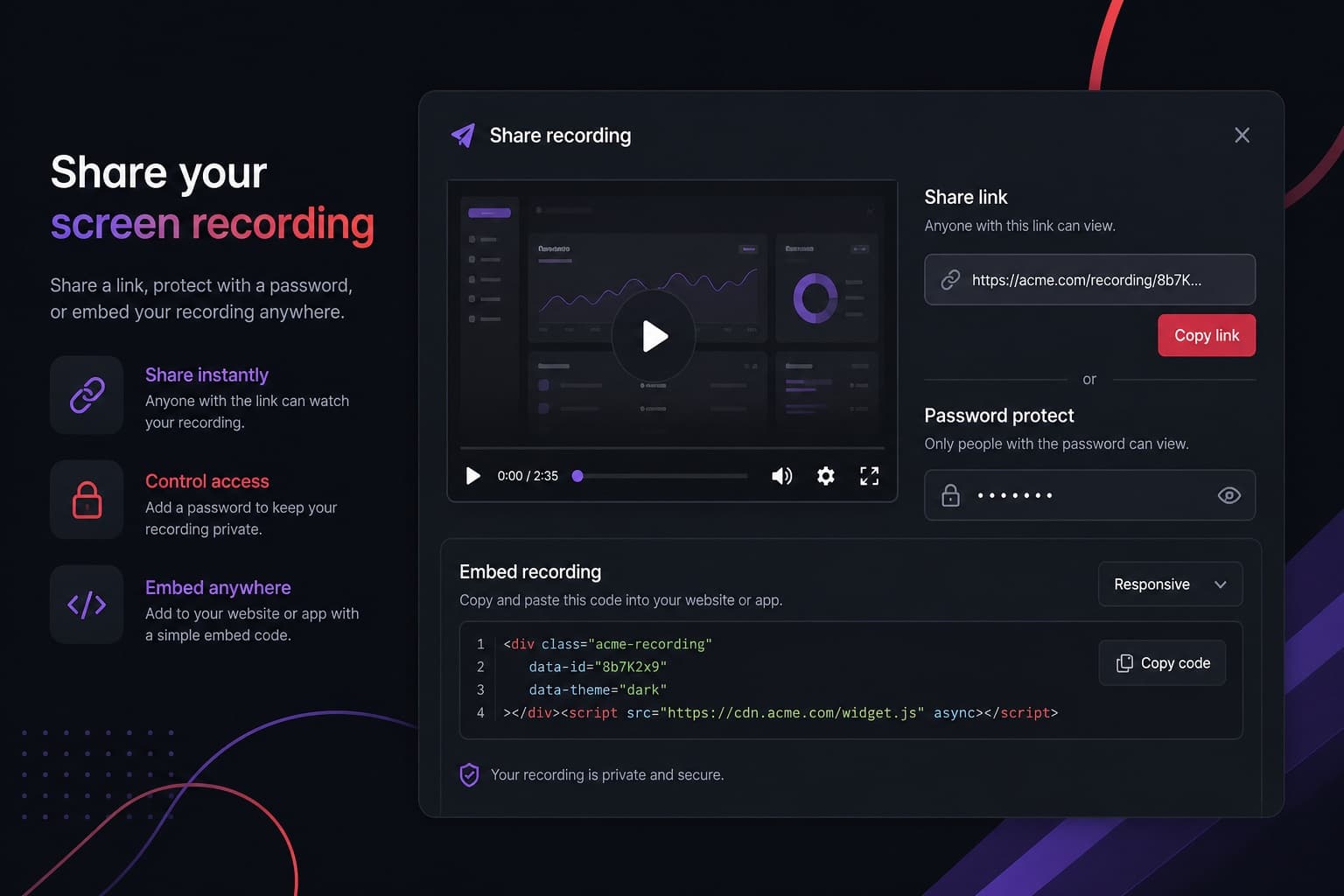
A recording is only useful if the right person can play it. Screen Record gives you a share page for every saved video, plus download and embed options. This guide explains which to use.
Send a link
The default is a URL on a branded share page. Unlisted links are not submitted as a public gallery; anyone with the URL can watch. That is enough for most colleagues and clients. Put the link in email, Slack or a CRM note.
Password-protect the page
Use a password when the recording includes a draft listing, a private tour, or internal pricing. Share the password through a different channel from the link when the material is sensitive.
Embed the player
If you have a website, help centre or property microsite, embed the recording so viewers never leave the page. The embed uses an iframe and can play alongside the rest of your content.
Download the file
Download an MP4 when someone needs the file in another editor, a WhatsApp thread that will not open your share page, or an archive you control. Processing produces a standard download once the recording is saved. You can also take the raw capture from the save screen if you decide not to process it.
What sharing does not cost extra
Once a recording is saved, share links, playback, transcripts, captions, trimming and standard downloads are included. You do not spend another credit each time someone watches. Credits for length are decided at save time, based on the trimmed duration.
Questions
Can I change visibility after sharing?
Yes. You can update visibility, password and branding without creating a new link in the usual workflow. Replacing the video content creates a new version behind the same share URL.
Do viewers need a Screen Record account?
No. They open the share link in a browser. Password-protected pages ask for the password you set.
Is there a public gallery of all recordings?
You choose visibility per recording. Nothing is broadcast on the marketing site. The application is at record.rehub.studio.