
Comparisons
Screen Recording vs Screenshots
By The Screen Record team · Published · Updated
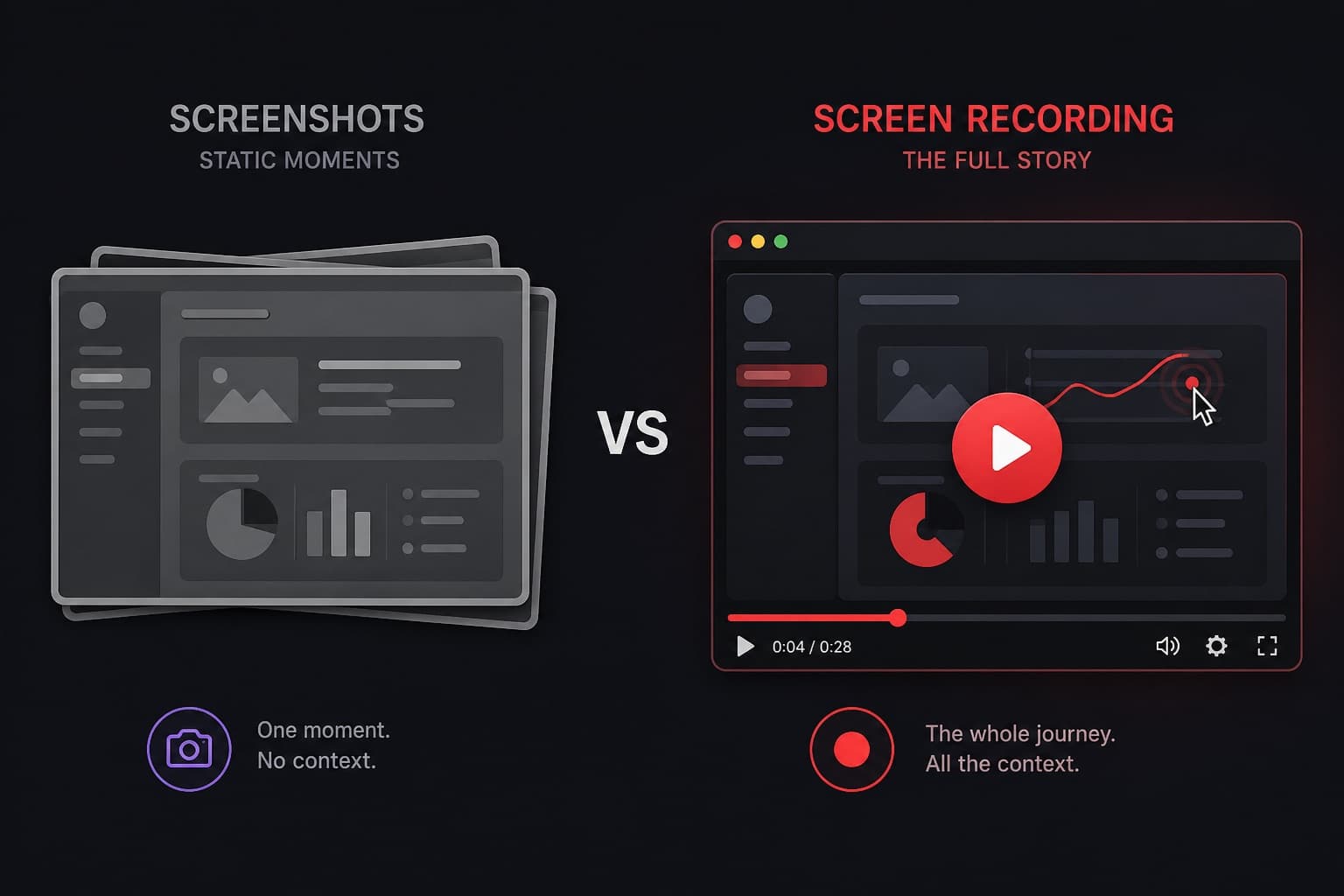
Screenshots are fast. They are also easy to misread. A screen recording takes a little longer to make and a little longer to watch, but it carries order, motion and tone. The useful question is not which format is better — it is which one matches the job.
What a screenshot is good at
A screenshot is the right tool for a single fact: an error message, a completed form, a cropped detail, a colour that is wrong. It sits in a chat. It prints. It does not ask the reader for a minute of their time.
What a recording is good at
A recording is the right tool when the viewer must follow steps, understand a layout in motion, or hear why a change matters. Cursor movement shows where to look. Audio explains the “why” that a red box on a JPEG cannot.
Feedback and reviews
A set of screenshots of a website often arrives without sequence. A two-minute recording of the same site, with you scrolling and talking, is one artefact instead of twelve attachments. The same applies to property photography, design files and pull requests that are easier to talk through than to annotate.
Support and training
Support teams paste screenshots into tickets because they are convenient for the writer. They are less convenient for the reader, who still has to guess the next click. A recording of the fix becomes a reusable answer. Training has the same pattern: one walkthrough replaces a slide deck of cropped UI.
A simple rule
If the reader only needs to see a state, send a screenshot. If they need to get from one state to another, record the screen. Screen Record is built for the second case, in the browser, with a free five-minute allowance so short explanations stay cheap.
Questions
Can I still take screenshots with Screen Record?
Screen Record is a video recorder, not a screenshot utility. Use your operating system’s screenshot shortcut for stills.
Are recordings harder to store?
They are larger than images. Share a link rather than attaching the file when you can. Free saved recordings on Screen Record are kept for 90 days unless you keep them with credits.