
How to
How to Create a Product Walkthrough Video
By The Screen Record team · Published · Updated
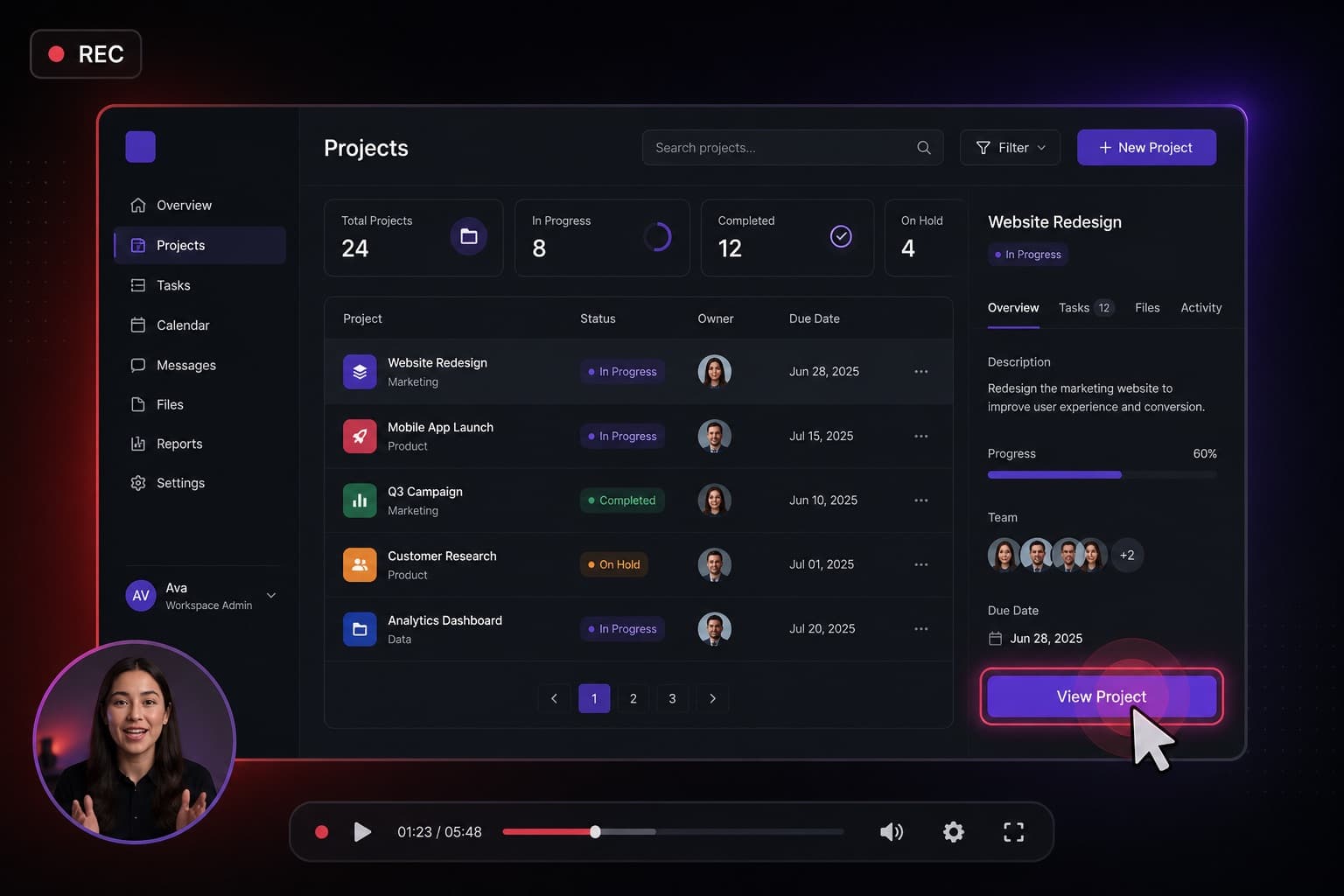
A product walkthrough is a recording of the real interface, in the order a new user should see it, with someone talking. It is not a marketing film. It is a substitute for sitting next to the viewer.
Decide who it is for
A walkthrough for a first-time customer is not the same as a changelog for existing users. Pick one audience. Write the outcome in one sentence: “After this, you can create a project and invite a colleague.” Everything in the recording should serve that sentence.
Use a clean tab
Open the product in a dedicated browser profile or a logged-in demo account. Hide test data that would confuse a customer. Record the tab, not the whole desktop, so Slack and email cannot wander into the frame.
Record in chapters, not one exhausting take
If the product is large, record several short videos: sign in, first project, sharing, billing. People finish short videos. They abandon a 20-minute tour. Screen Record’s five-minute free window is a useful constraint as well as a price point.
Talk like a colleague
Name the button. Say what happens after the click. Do not apologise for the UI. If you need the camera, keep it small and in a corner that does not cover the control you are demonstrating.
Questions
Should I script a product walkthrough?
Use bullet prompts, not a word-for-word script. Scripted demos sound stiff and are harder to update when the UI changes.
Do I need screen and webcam?
The screen is required. The webcam helps when trust or teaching presence matters. Leave it off when the interface needs the whole frame.