
How to
How to Record Your Screen With Audio
By The Screen Record team · Published · Updated
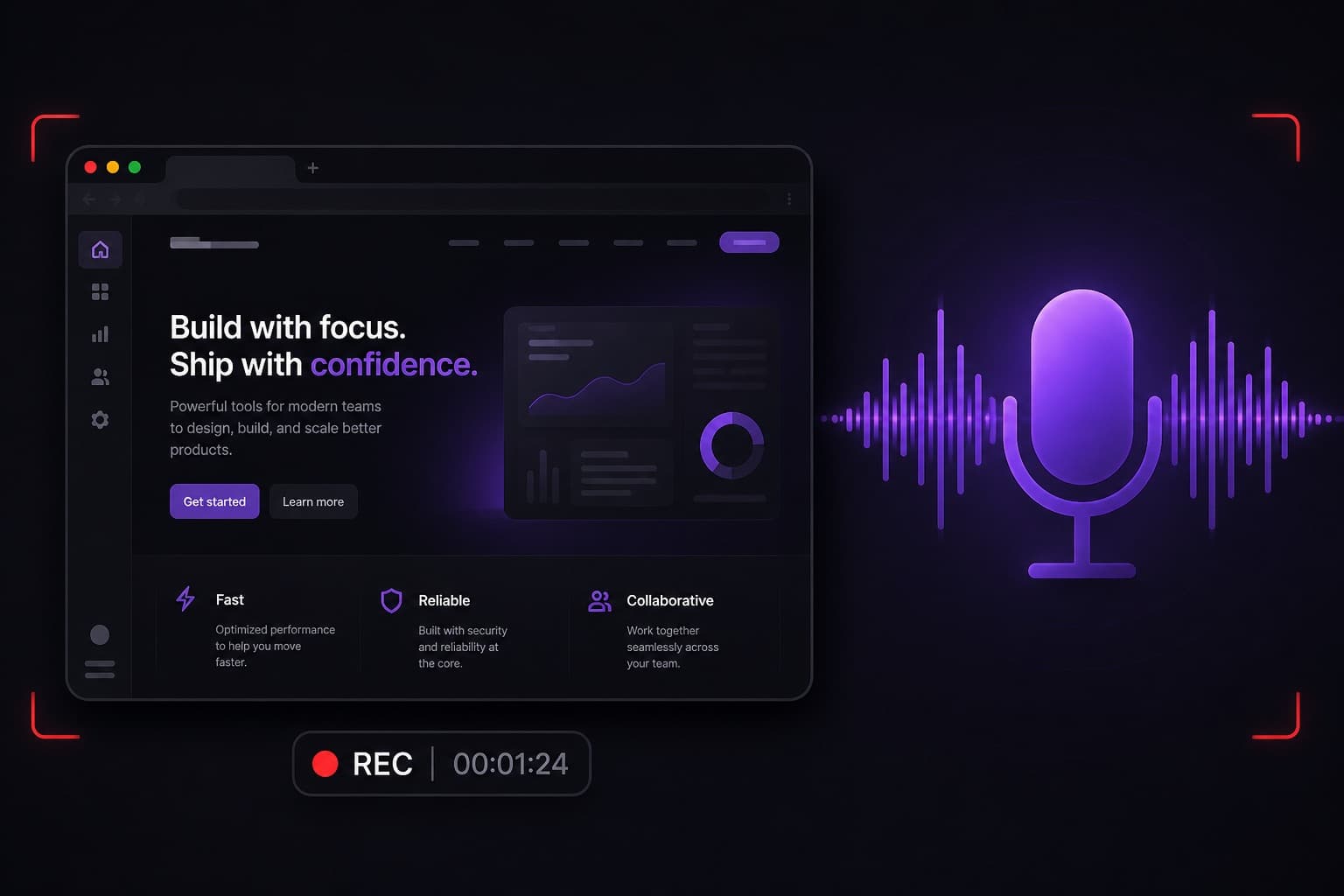
A silent screen recording is harder to follow. Adding audio usually means your microphone, and sometimes the sound coming from the tab or computer. This guide explains both, and the browser limits you should know before you press record.
Microphone audio
Microphone audio is your commentary. In Screen Record, turn Microphone on, pick the correct input if you have more than one, and check the level meter. Speak at a normal volume; the meter should move without staying at the top of its range.
You can mute the microphone during a take if you need a moment, then unmute when you continue.
Tab audio and system audio
Tab audio is sound from the page you are capturing — a virtual tour, a product video, or a web app. In Chrome, tick “Share audio” (wording varies) when you choose the tab. That is the most reliable way to include computer sound.
Full system audio — everything the computer plays, not just one tab — depends on the browser and operating system. Chrome can capture tab audio on macOS and Windows. Capturing the entire screen on macOS typically does not include system audio. Windows can include system audio for some full-screen captures.
A practical setup that works
If the important sound is in the browser, record the tab and share tab audio. Narrate with your microphone. That combination covers product demos, virtual-tour walkthroughs and most training videos.
If you need music or an application that is not in the browser, test a short take first. Do not assume the finished file will include every sound on the machine.
After you record
Preview the video and listen with headphones. If the voice is quiet, record again rather than hoping processing will fix it. Transcript and captions are included once a recording is saved, which helps viewers who watch without sound.
Questions
Can I record my screen and microphone at the same time?
Yes. That is the standard setup: the screen for what you are showing, the microphone for the explanation.
Why is there no system audio on my Mac?
macOS screen capture generally does not provide full system audio to the browser. Record a Chrome tab and enable tab audio instead, or narrate with your microphone.
Does Screen Record record internal audio automatically?
No. You choose it in the browser share dialog. Tab audio is the option to look for.